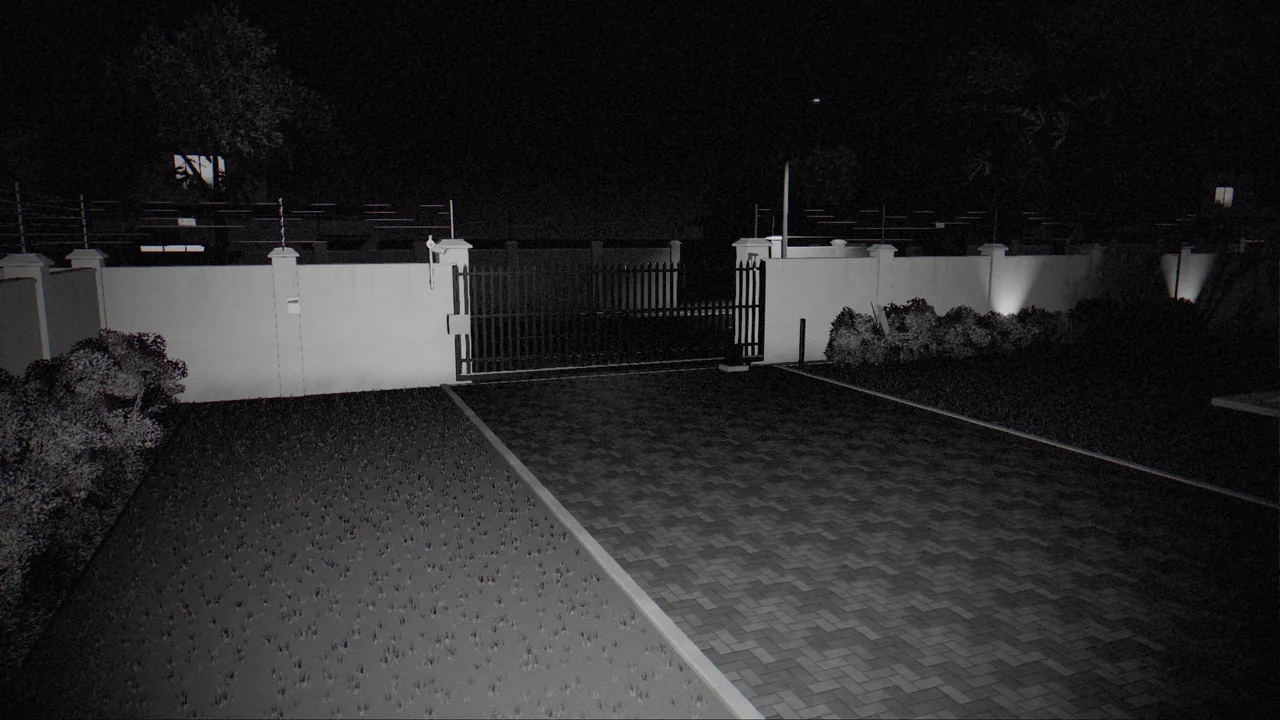
Criminals know about cameras
Visible cameras deter most opportunists. The more determined intruder takes a different view: deal with the cameras first, then deal with the house. The methods are simple and cheap:
- Spray paint over the lens.
- A bag, cloth or box pulled over the camera.
- A pole or broom used to turn the camera away from the approach.
- A strong torch shone straight into the lens.
- Cutting the cable or the power.
Each of these leaves a camera that is technically running but no longer sees anything useful. A system that does not notice is a system that has been switched off without anyone knowing.
What CleverCam looks for
The CleverCam hub keeps a reference picture of what each camera normally sees and refreshes it regularly. It compares the live picture against that reference and looks for five signs of tampering. The app shows these as the cause:
| Cause | What it means |
|---|---|
| Darkness | The picture has gone black and stayed black, as when a lens is covered or painted. |
| Blur | The picture has lost its sharpness, as with a smear of paint or grease on the glass. |
| Scene shift | The camera is looking at something different, because it has been turned or knocked. |
| Obstruction | Something is blocking the view close to the lens. |
| Flashlight | A bright light source is being held in front of the camera to blind it. |
A tamper check has to survive ordinary life without crying wolf. Sunset makes a picture darker; a cloud moving across the sun changes the whole scene. The hub requires each condition to persist before it raises it, and it checks whether a change looks like normal lighting before calling it a scene shift.
Suspected and confirmed
When tampering is suspected, the group tile in the CleverAlert app shows an amber warning triangle. When it is confirmed, the triangle turns red. The update sheet lists Tamper detected with the affected camera and its cause. Owners and admins can tap Clear tamper once they have checked the camera, and a tamper notification opens the event so it can be dealt with like any other.
Tampered is not the same as offline
A camera that stops sending video altogether is reported separately, as Device offline. That distinction matters:
- Offline is usually mundane: a tripped plug, a failed power supply or a network fault. It needs a technician, not a response vehicle.
- Tampered is almost always deliberate: someone covered, moved or blinded the camera. On an armed site at night, it may be the first sign of an intrusion in progress.
Systems that lump the two together train people to ignore tamper warnings, because most "camera problems" turn out to be power faults. Keeping them separate keeps the tamper warning meaningful.
Patterns worth escalating
A single tamper warning in the middle of the afternoon is often a gardener's ladder or a branch. The patterns a control room should treat as urgent are different:
- Tamper on an armed site at night.
- Tamper on one camera followed by a person detected on another.
- Several cameras tampered or going offline in quick succession.
- A camera that sees the approach to another camera going dark at the same time.
Agree with your response company in advance how these patterns should be handled, so nobody has to decide at 02:00.
Make tampering harder in the first place
- Mount cameras out of reach. At 2.5 to 4 metres, most cameras cannot be touched without a ladder.
- Let cameras watch each other. An intruder who approaches one camera is recorded by the next.
- Protect the cables. Run cables in conduit or inside walls, so they cannot simply be cut at the camera.
- Back up the power. A UPS on the hub, router and PoE switch means cutting the mains does not blind the whole site. See designing security that fails gracefully.
A covered camera is a very loud signal, provided the system is listening for it.