Every connected system has a weak link
Smart security depends on two things that South Africans have learned not to take for granted: power and connectivity. A camera system that sends alerts to your phone and your control room needs a working path from the property to the internet. When that path breaks, you need to know exactly what still works and what does not.
We would rather be precise about this than reassuring. Here is what happens with CleverCam, and how to design a site so that it rarely matters.
What the hub does when the link drops
- Detection keeps running. The CleverCam hub analyses video on site, so it continues watching the cameras while the internet is down.
- It sounds the alarm locally. If an armed camera detects someone and the hub cannot get the alert out, the hub sounds a short burst on its siren, so an intruder on site still hears that they have been seen.
- You are told the hub is offline. The CleverAlert app shows a Hub offline status, and you receive a Camera hub offline push notification (and Camera hub back online when it recovers). Your control room sees the same.
- Arm and disarm commands wait. If you arm while the hub is offline, the app queues the command and sends it when the hub reconnects.
- It repairs itself where it can. The hub runs its own watchdog. If its link to our platform hangs while the network is otherwise fine, it restarts its services and, if that does not help, reboots itself.
What it cannot do
Detections made while the hub is offline are not delivered later. An alert about a person at the wall is only useful in the moment. The hub does not store a backlog of old alerts and flood you with them when the connection returns.
That is why the rest of this article matters: the best protection against an outage is to make outages rare and short.
Put the whole chain on backup power
The most common failure we see is a UPS that powers the hub but not the things the hub depends on. The alert path usually runs through:
- The fibre box (ONT) or LTE router
- The Wi-Fi router or network switch
- The PoE switch that powers the cameras
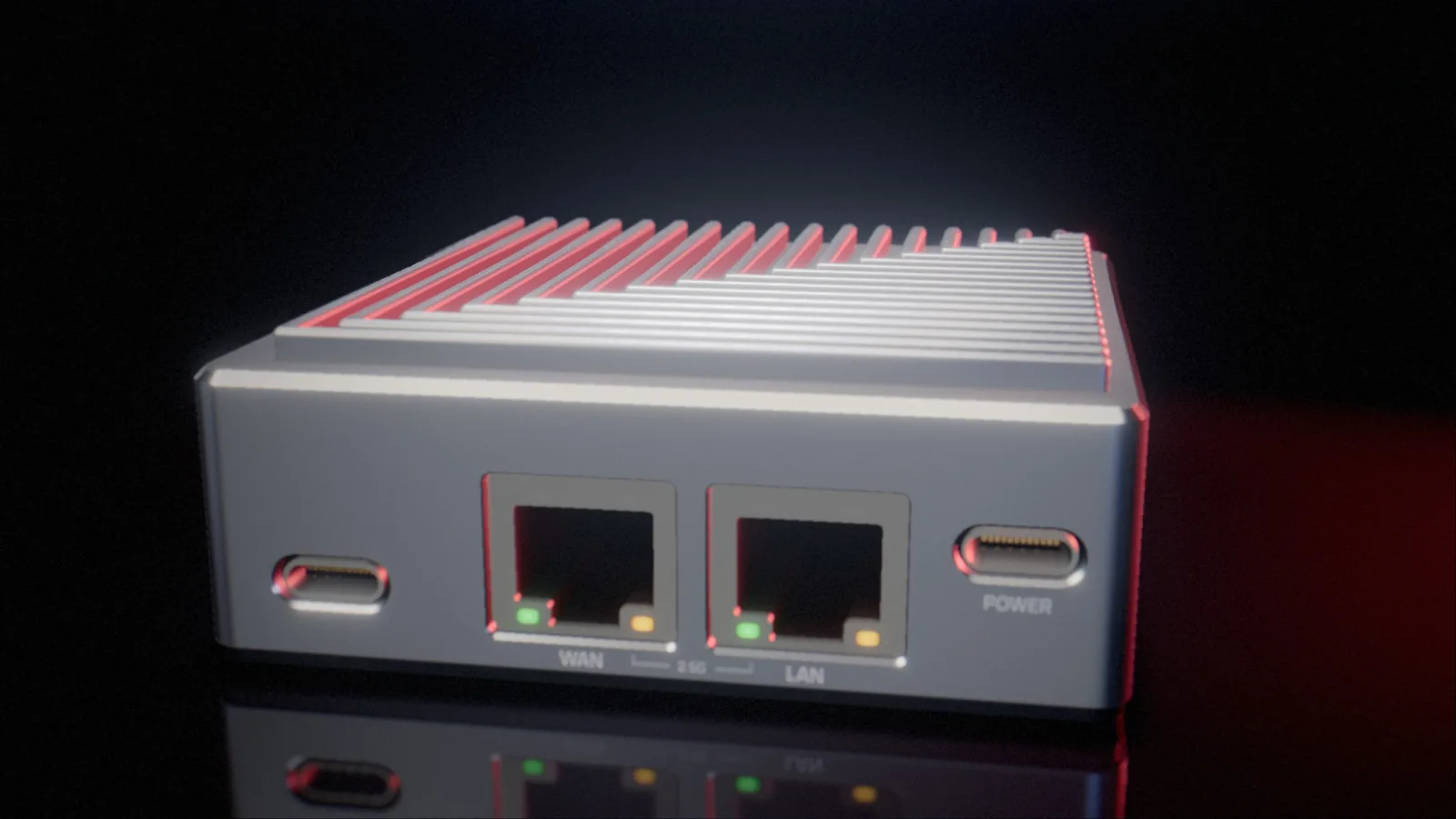
- The CleverCam hub itself
If any of these loses power, the whole chain stops. Put all of them on the same UPS or DC backup, and size it for how long outages actually last in your area. Remember that the cameras draw most of the power: a PoE switch driving several cameras with infrared on at night needs far more than the hub.
Have a second route out
Power is not the only risk. Fibre gets cut, and fibre networks can go down in extended power outages when the equipment in the street runs out of battery. An LTE failover router, with a SIM card from a different network provider to your main line, gives the hub a second path out. When the fibre drops, the router switches to mobile data automatically.
Keep an independent alarm path
Defence in depth applies to communication too. An alarm panel that reports to your control room over its own radio or GSM communicator keeps working even if the home internet is down. With the panel connected to CleverCam, you get the best of both: camera evidence when the internet is up, and a separate, proven alarm path when it is not.
Let someone else watch the watcher
A hub that goes offline at 03:00 is only a problem if nobody notices. If your system is linked to a security company, their control room sees the hub go offline and can act on it according to your agreement, whether that is a call, a patrol or a note for the morning. Make sure you know what that agreement says.
Test it before you need it
Once a year, or after any change to the network, test the failure modes yourself:
- Unplug the fibre cable and check that the LTE router takes over and the hub stays online.
- Switch off the mains at the distribution board and check that the hub, the router and the cameras all stay up.
- Watch how long it takes for the offline notification to reach your phone.
Updates are handled for you: the hub installs new software automatically, checks every file, and rolls back if the new version does not start cleanly. Your part is the power and the network. Get those right, and a security system can ride out the outages that leave others blind.