Compatibility First: ONVIF, RTSP, and CleverMail
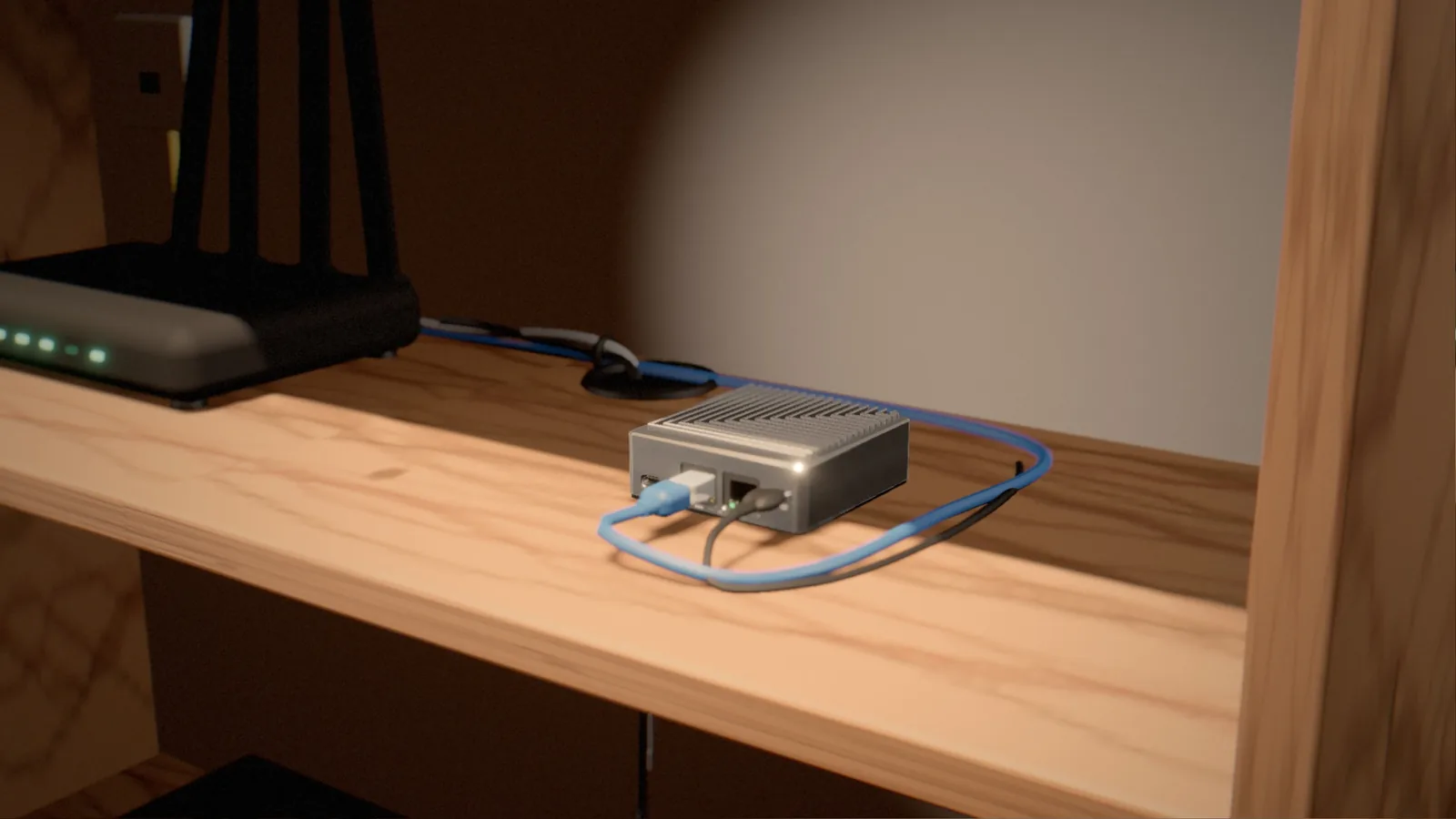
The CleverCam Unit (CCU) connects to IP cameras using industry-standard protocols. The two you need to know about are ONVIF (Open Network Video Interface Forum) and RTSP (Real Time Streaming Protocol). If a camera supports either of these -- and most modern IP cameras do -- it will work with the CCU. You are not locked into a proprietary ecosystem.
Additionally, cameras that support SMTP email alerts can connect through CleverMail -- CleverCam's built-in mail bridge. Configure your camera to send email notifications to your CleverMail address and events are routed straight into the platform. This opens up compatibility with even more camera brands and older models that may not support ONVIF.
Recommended Camera Brands
CleverCam has been tested and verified with cameras from a wide range of manufacturers. The following brands are known to work well:
- Hikvision -- Widely available and cost-effective. Their Value and Pro series offer excellent performance for the price.
- Dahua -- Strong competitor to Hikvision with reliable ONVIF support and good low-light performance.
- Axis -- Premium build quality and exceptional image processing. A favourite among professional installers.
- Bosch -- Enterprise-grade reliability, often used in commercial and high-security environments.
- Provision-ISR -- Popular in the South African market with good local support and competitive pricing.
- Vivotek -- Solid mid-range option with strong ONVIF compliance and useful built-in analytics.
Resolution: How Much Is Enough?
For AI detection to work reliably, we recommend cameras with a minimum resolution of 2 megapixels (1080p). This gives the AI enough detail to classify objects accurately at reasonable distances. 4MP and 5MP cameras provide extra clarity and allow the CCU to detect at greater range, but anything above 8MP offers diminishing returns and uses more bandwidth without significant detection benefit.
Placement Tips for Optimal Detection
Where you mount your cameras matters as much as which cameras you buy. Here are some practical guidelines:
- Height: Mount cameras between 2.5 and 4 metres. Too low and they are easily tampered with; too high and the detection angle becomes too steep.
- Angle: Aim for a slight downward tilt (15-30 degrees). Avoid pointing cameras directly at the sky or at large reflective surfaces.
- Coverage: Ensure detection zones start at boundary lines (fences, walls, gates) so you catch intruders as they enter, not after they have already reached your front door.
- Lighting: While many cameras have built-in IR, supplemental white-light illumination dramatically improves AI accuracy and produces colour snapshots at night.
Network Considerations
Each camera stream requires bandwidth on your local network. Budget approximately 4-8 Mbps per camera at the sub-stream resolution used by the CCU. Use a wired network connection (PoE is ideal) wherever possible -- Wi-Fi cameras introduce latency and reliability issues that can affect detection performance.
Talk to Your Installer
Choosing the right cameras for your specific property layout is part art, part science. A qualified CleverCam installer can assess your site, recommend the ideal camera count and placement, and ensure everything is configured for maximum detection accuracy from day one.